Logging on to Mediatr
Overview
MediatR provides a web interface which allows you to examine transactions that have been submitted by your organization.
Logging on
- Navigate to https://mediatr.healthinc.com.au/
- Enter your username and password when prompted
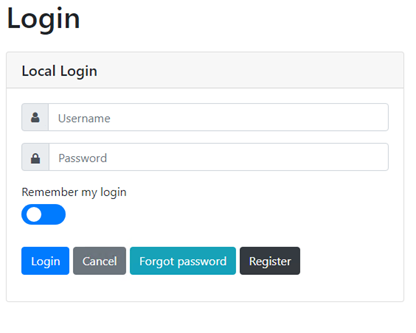
- Click the Login button
If you have lost your password you can initiate recovery of it by clicking on the Forgot Password button.
If using a shared computer, do not use the Remember my login slider, and remember to logout when finished.